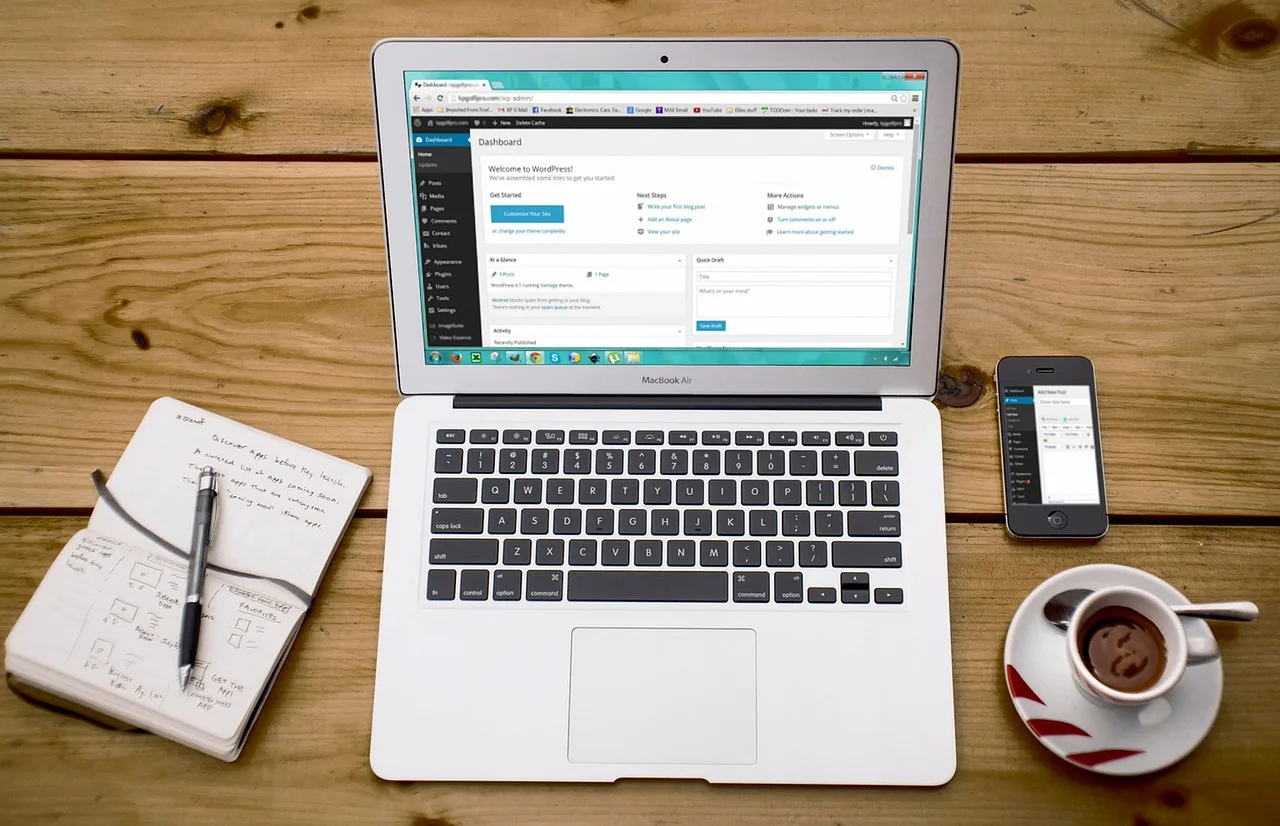
Setting up hosting for affiliate landing pages that are scalable for SEO content requires a deliberate balance between performance, cost, and workflow efficiency—all within the WordPress ecosystem. Affiliate marketers, niche bloggers, and independent publishers rely on hosting infrastructure that supports high-traffic landing pages, content-rich SEO workflows, and seamless publishing without requiring server administration expertise. This guide defines the hosting setup process through the lens of WordPress, affiliate publishing, and SEO-driven content creation, emphasizing infrastructure that grows with traffic, maintains search visibility, and preserves user experience.
Why Does Hosting Infrastructure Matter for Affiliate SEO Content?
Affiliate landing pages and SEO content are not static assets. They evolve with keyword research, content updates, and traffic fluctuations. Hosting infrastructure directly impacts:
- Page load speed, a confirmed ranking factor that influences both search rankings and conversion rates.
- Uptime reliability, which ensures consistent search engine crawling and user access.
- Scalability, allowing traffic surges from organic search, social media, or paid campaigns without performance degradation.
- Security and compliance, protecting affiliate links, user data, and site integrity from malicious attacks.
- Workflow integration, enabling efficient content publishing, plugin management, and SEO tooling within WordPress.
Without a hosting environment optimized for these factors, even well-researched SEO content and high-converting landing pages may fail to deliver sustainable affiliate revenue.
What Are the Core Hosting Requirements for Scalable Affiliate SEO Content?
1. Performance and Speed Optimization
Search engines prioritize fast-loading pages, especially on mobile devices. For WordPress-based affiliate sites, performance depends on:
- Server-level caching: Reduces database queries and speeds up page delivery.
- Content Delivery Network (CDN) integration: Distributes static assets globally to reduce latency.
- PHP version and execution limits: Modern PHP versions (8.0+) improve performance and security.
- Database optimization: Regular cleanup of post revisions, spam comments, and transient data.
Hosting providers that offer built-in caching, CDN partnerships, and optimized server stacks reduce the need for manual performance tuning.
2. Scalability Under Traffic Spikes
Affiliate landing pages can experience sudden traffic increases from:
- Viral social media shares
- Successful SEO rankings
- Paid advertising campaigns
- Seasonal demand (e.g., Black Friday, holiday sales)
Hosting must scale resources—CPU, RAM, bandwidth—without manual intervention. Options include:
- Shared hosting with auto-scaling: Cost-effective for low to medium traffic, but may throttle under heavy load.
- Virtual Private Servers (VPS): Dedicated resources with root access, suitable for growing sites.
- Managed WordPress hosting: Optimized for WordPress, with automatic scaling and performance tuning.
- Cloud hosting: Distributed infrastructure that scales horizontally across multiple servers.
3. Security and Data Protection
Affiliate sites are frequent targets for:
- Brute force attacks on login pages
- Malware injections into themes and plugins
- Data breaches of user information
- Affiliate link hijacking or cookie stuffing
Essential security features include:
- Automated daily backups with one-click restore
- SSL/TLS certificates (HTTPS) for secure data transmission
- Web Application Firewall (WAF) to block malicious traffic
- Regular malware scanning and removal
- Isolated environments (e.g., containerization) to prevent cross-site contamination
4. SEO-Friendly Infrastructure
Hosting impacts SEO beyond speed. Key considerations include:
- Server location and geotargeting: Hosting in the target audience’s region improves local search rankings.
- Crawl budget efficiency: Fast, reliable servers ensure search engines can index content quickly.
- Mobile-first performance: Hosting must support responsive design and fast mobile load times.
- Structured data support: Servers should allow dynamic rendering of schema markup for rich snippets.
- Staging environments: Safe testing of SEO changes without affecting live rankings.
5. Workflow and Publishing Efficiency
Affiliate publishers need hosting that integrates with:
- WordPress multisite for managing multiple niche sites
- Automated content deployment from staging to production
- Git or version control for theme and plugin updates
- API access for headless WordPress or custom integrations
- Collaboration tools for teams (e.g., user roles, access controls)
How to Choose a Hosting Provider for Affiliate SEO Content?
1. Define Your Traffic and Growth Projections
Estimate current and future traffic based on:
- Keyword difficulty and search volume
- Content publishing frequency
- Backlink acquisition strategy
- Paid traffic campaigns
Low-traffic sites (under 10,000 monthly visitors) may start with shared hosting. High-traffic or rapidly growing sites require VPS, managed WordPress, or cloud hosting.
2. Evaluate Performance Benchmarks
Look for independent performance tests, such as:
- Time to First Byte (TTFB)
- Page load speed (Lighthouse scores)
- Uptime guarantees (99.9% or higher)
- Server response times under load
Avoid providers with frequent downtime or slow response times, as these harm SEO and user experience.
3. Assess Support and Expertise
Affiliate publishers benefit from hosting support that understands:
- WordPress-specific issues (e.g., plugin conflicts, theme errors)
- SEO implications of server configurations
- Affiliate link tracking and cookie management
- Security threats targeting affiliate sites
Managed WordPress hosting often includes expert support, while generic hosting may lack specialized knowledge.
4. Review Pricing and Cost Structure
Hosting costs should align with revenue potential. Consider:
- Monthly vs. annual billing (annual often offers discounts)
- Overage fees for bandwidth or storage
- Cost of add-ons (e.g., CDN, backups, security)
- Scaling costs as traffic grows
Hidden fees or unpredictable pricing can erode affiliate margins, especially for high-volume sites.
5. Test Migration and Onboarding
Evaluate the ease of:
- Migrating existing WordPress sites
- Setting up new sites from scratch
- Configuring domains, SSL, and DNS
- Accessing staging environments
Providers with free migration services and intuitive dashboards reduce setup time and technical barriers.
What Are the Key Takeaways?
- Hosting for affiliate landing pages and SEO content must prioritize speed, scalability, security, and SEO compatibility within the WordPress ecosystem.
- Performance optimizations like caching, CDN integration, and PHP optimization directly impact search rankings and user experience.
- Scalability is critical for handling traffic spikes from organic search, social media, or paid campaigns without manual intervention.
- Security measures—WAF, malware scanning, SSL, and backups—protect affiliate revenue and site integrity.
- SEO-friendly hosting supports geotargeting, crawl efficiency, mobile performance, and structured data.
- Workflow efficiency depends on staging environments, multisite support, and collaboration tools.
- Choosing a hosting provider requires evaluating traffic projections, performance benchmarks, support expertise, pricing, and migration ease.
- Managed WordPress hosting often provides the best balance of performance, security, and ease of use for affiliate publishers.
How to Set Up Hosting for Affiliate Landing Pages: A Step-by-Step Checklist
1. Select a Hosting Plan
- Choose a plan based on traffic projections and growth goals.
- Opt for managed WordPress hosting if you lack server administration experience.
- Ensure the plan includes essential features: SSL, backups, CDN, and staging.
2. Register or Transfer a Domain
- Use a domain registrar or the hosting provider’s domain service.
- Choose a short, brandable domain name relevant to your niche.
- Enable domain privacy to protect personal information.
3. Install WordPress
- Use one-click WordPress installation if available.
- Set up a secure admin username and strong password.
- Configure basic settings: site title, tagline, and permalink structure (e.g., /%postname%/).
4. Configure Performance and Caching
- Enable server-level caching (e.g., Varnish, Redis, or LiteSpeed).
- Install a performance plugin (e.g., for database optimization, lazy loading).
- Integrate a CDN to distribute static assets globally.
5. Secure the Site
- Install an SSL certificate and enforce HTTPS.
- Set up a Web Application Firewall (WAF).
- Enable two-factor authentication for WordPress logins.
- Schedule automated backups and store them offsite.
Recommended resource
SiteGround WordPress Hosting
WordPress hosting for affiliate websites, niche blogs, small business sites and independent publishers who want a reliable platform without managing servers manually.
Discover this resourceBuild pages like this
Tools for niche site builders and hosting affiliates
This site is part of a practical publishing workflow for affiliate marketers, niche site builders and independent web publishers who want to launch structured SEO pages without starting from scratch every time.