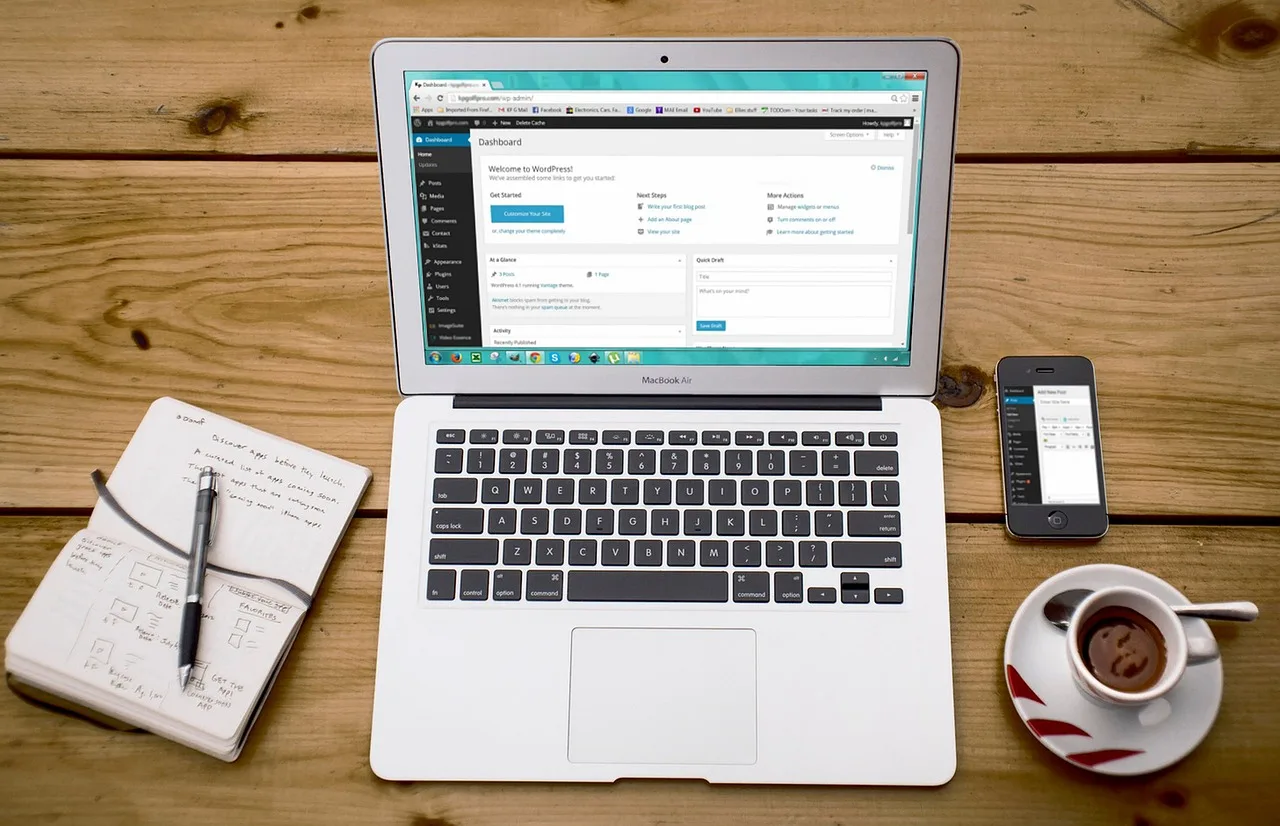
WordPress hosting for small affiliate websites refers to specialized web hosting services optimized for WordPress-powered sites that generate revenue through affiliate marketing. These hosting solutions are designed to support niche publishers, independent bloggers, and small agencies who rely on SEO-driven content workflows, landing pages, and online business infrastructure without requiring server administration expertise. The right hosting environment ensures fast page loads, secure transactions, reliable uptime, and seamless integration with affiliate plugins, all of which are critical for maintaining search rankings, user trust, and conversion rates in competitive affiliate niches.
Why Does Hosting Matter for Affiliate Websites?
Affiliate websites operate on thin margins and depend heavily on organic search traffic. Unlike e-commerce stores or corporate sites, they often run on lean budgets and must balance performance with cost. Hosting directly impacts three core areas:
- SEO performance: Search engines prioritize fast, secure, and stable websites. Slow hosting can lead to higher bounce rates and lower rankings.
- User experience: Visitors expect instant page loads, especially on mobile devices. Poor hosting degrades engagement and reduces click-through rates to affiliate offers.
- Conversion reliability: Affiliate links, tracking pixels, and payment gateways require consistent uptime. Downtime equals lost commissions.
For small publishers, hosting is not just a technical detail—it’s a foundational business asset that supports content delivery, lead capture, and revenue generation.
What Are the Key Hosting Requirements for Affiliate Sites?
Is Speed a Ranking Factor?
Yes. Page speed is a confirmed ranking signal in Google’s algorithm. Affiliate sites, which often rely on long-form content and multiple images, must load quickly to retain visitors and rank well. Hosting plays a central role in speed through:
- Server response time (TTFB)
- Caching mechanisms (object, page, and browser caching)
- Content delivery networks (CDNs) for global audiences
- PHP version and database optimization
Slow hosting can negate even the best SEO content strategy.
How Important Is Uptime for Affiliate Revenue?
Uptime refers to the percentage of time a website is accessible. For affiliate sites, every minute of downtime can mean lost clicks and commissions. A 99.9% uptime guarantee translates to about 43 minutes of downtime per month—acceptable for most small sites. However, 99.5% (3.5 hours) or lower can significantly impact earnings, especially during traffic spikes from social media or email campaigns.
Do Affiliate Sites Need Special Security?
Yes. Affiliate websites are frequent targets for hackers due to their use of third-party plugins, outdated themes, and weak passwords. Common threats include:
- Malware injections that redirect visitors to scam sites
- Brute force attacks on login pages
- SQL injections that steal user data
- Plugin vulnerabilities exploited to gain server access
Hosting providers that offer automated malware scanning, firewalls, SSL certificates, and regular backups help mitigate these risks without requiring technical expertise.
Can Hosting Affect Affiliate Tracking?
Indirectly, yes. While hosting doesn’t directly track affiliate links, it influences the environment in which tracking scripts run. Slow servers can delay the loading of tracking pixels, leading to underreported conversions. Additionally, some hosting providers block certain scripts or IP ranges, which can interfere with affiliate networks. Publishers should verify that their hosting allows:
- JavaScript execution
- Outbound HTTP/HTTPS requests
- Cookie and session management
- Custom .htaccess or server rules for redirects
What Types of WordPress Hosting Are Available?
Shared Hosting: Is It Enough for Beginners?
Shared hosting is the most affordable option, where multiple websites share the same server resources. It’s suitable for new affiliate sites with low traffic (under 10,000 monthly visitors). However, shared hosting has limitations:
- Resource contention: High traffic on other sites can slow yours down
- Limited customization: Server settings are often locked
- Security risks: One compromised site can affect others
- Scalability issues: Upgrading requires migration
For publishers just starting out, shared hosting can be a cost-effective way to launch, but it’s not ideal for long-term growth.
Managed WordPress Hosting: Is It Worth the Cost?
Managed WordPress hosting is a premium service designed specifically for WordPress sites. It includes:
- Automated WordPress updates
- Enhanced security and malware scanning
- Server-level caching and performance optimization
- Staging environments for testing changes
- Expert WordPress support
This type of hosting is ideal for affiliate marketers who want to focus on content and conversions rather than server management. While more expensive than shared hosting, it often pays for itself through improved uptime, speed, and security.
VPS and Cloud Hosting: When Should You Upgrade?
Virtual Private Servers (VPS) and cloud hosting offer dedicated resources and greater control. They’re suitable for affiliate sites with:
- High traffic (50,000+ monthly visitors)
- Multiple sites under one account
- Custom server configurations (e.g., Nginx, Redis)
- Need for scalability during traffic spikes
However, VPS and cloud hosting require more technical knowledge or the use of managed services. For most small affiliate publishers, managed WordPress hosting is a better balance of performance and ease of use.
How to Choose the Right Hosting for Your Affiliate Site
What Features Should You Prioritize?
When evaluating hosting options, focus on these core features:
- Performance: Look for SSD storage, PHP 8.x, and built-in caching
- Uptime: Aim for 99.9% or higher
- Security: SSL certificates, malware scanning, and daily backups
- Support: 24/7 WordPress-specific support
- Scalability: Easy upgrades without downtime
- Staging: Ability to test changes before going live
- Affiliate-friendly policies: No restrictions on scripts or outbound links
How Much Should You Budget?
Hosting costs vary widely. A realistic budget for a small affiliate site is:
- Shared hosting: $3–$10 per month
- Managed WordPress hosting: $20–$50 per month
- VPS/cloud hosting: $30–$100+ per month
While it’s tempting to choose the cheapest option, investing in reliable hosting can prevent costly downtime and lost revenue.
Should You Use Free Hosting?
Free hosting is rarely suitable for affiliate websites. Limitations typically include:
- Forced ads on your site
- No custom domain (e.g., yoursite.freehost.com)
- Poor performance and uptime
- No SSL certificates
- Restrictions on affiliate links or scripts
For a professional affiliate business, free hosting is not a viable option.
What Are the Key Takeaways?
- WordPress hosting for affiliate sites must balance performance, security, and cost to support SEO and conversions.
- Speed, uptime, and security are critical for maintaining search rankings and user trust.
- Shared hosting is suitable for beginners but has limitations for growth.
- Managed WordPress hosting offers the best balance of performance and ease of use for most affiliate publishers.
- VPS and cloud hosting are ideal for high-traffic sites but require more technical expertise.
- Prioritize hosting providers with WordPress-specific features, strong support, and affiliate-friendly policies.
- Avoid free hosting for professional affiliate websites due to performance and policy restrictions.
- Investing in quality hosting can prevent downtime, security breaches, and lost revenue.
FAQ: Common Questions About WordPress Hosting for Affiliate Sites
Can I host multiple affiliate sites on one account?
Yes, but it depends on the hosting plan. Shared hosting often allows multiple sites, but resource limits may affect performance. Managed WordPress hosting typically includes multi-site support with better resource allocation. Always check the provider’s terms regarding the number of sites and resource usage.
Do I need a CDN for my affiliate site?
A Content Delivery Network (CDN) is not mandatory but highly recommended for sites with a global audience. CDNs cache static content (images, CSS, JavaScript) on servers worldwide, reducing load times and improving user experience. Many managed WordPress hosts include CDN integration at no extra cost.
How often should I back up my affiliate site?
Daily backups are ideal for affiliate sites, especially if you frequently update content or plugins. Some hosting providers offer automated daily backups, while others require manual setup. Always store backups off-site (e.g., cloud storage) to protect against server failures.
Can hosting affect my site’s SEO?
Yes. Hosting impacts several SEO factors, including:
- Page speed (TTFB, load time)
- Uptime (downtime can lead to crawl errors)
- Security (malware can result in blacklisting)
- Server location (affects geo-targeting)
Choosing a reliable, fast, and secure hosting provider is a foundational SEO best practice.
What happens if my site outgrows its hosting plan?
Most hosting providers offer scalable plans. If your site outgrows shared hosting, you can upgrade to a VPS or managed WordPress plan. The process typically involves:
- Contacting support to request an upgrade
- Migrating to a new server (often handled by the host)
- Testing the site post-migration
Managed